 Audio Flashcards
 Peter from Audio Flashcards · 27 October 2026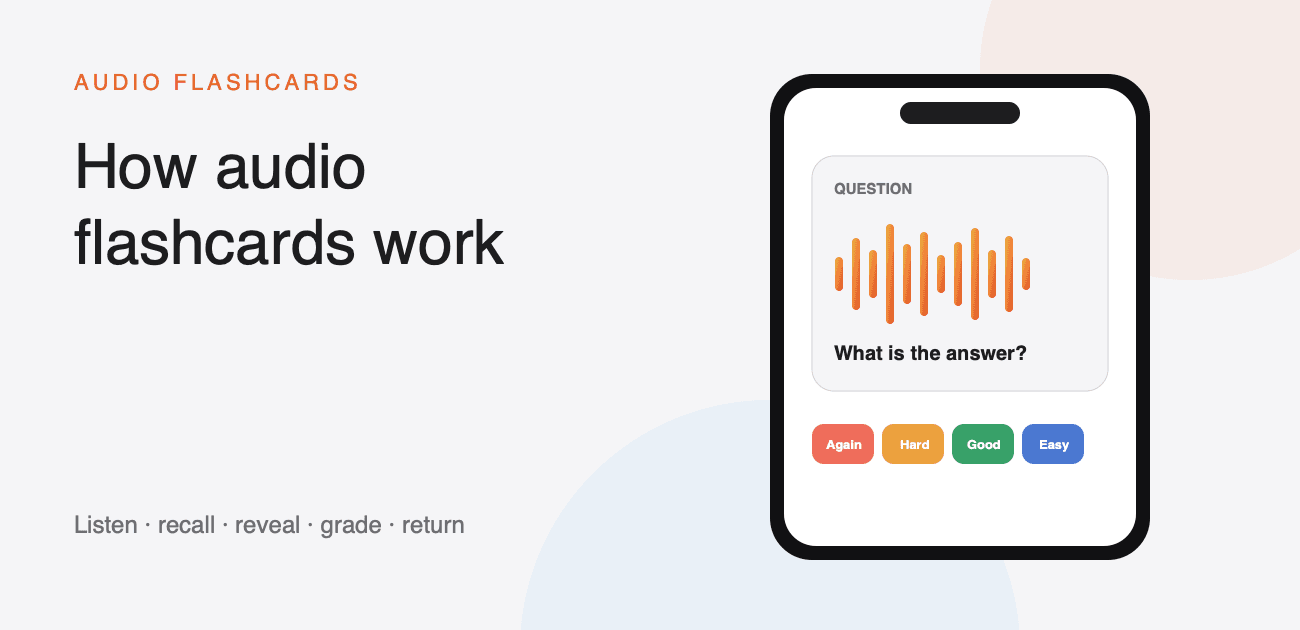
An audio flashcard is a question-and-answer card made to be heard instead of read. The question plays, you try to recall the answer, then the answer plays. You grade how well you remembered it, and spaced repetition decides when the card should return.
The important part is not simply listening. A useful audio flashcard leaves a gap in which you have to retrieve the answer from memory. That moment of recall is what separates a review from a playlist.
The five-part loop
Every review follows the same short loop.
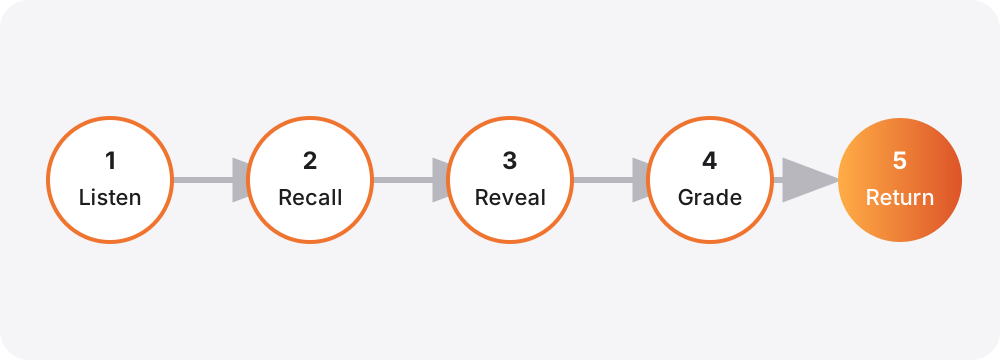
- Hear the question. It can be a recording of your own voice or speech generated from text.
- Recall before revealing. A delay gives you time to answer in your head or out loud.
- Hear the answer. Compare it with what you remembered.
- Grade the attempt. Choose Again, Hard, Good, or Easy.
- Return at the right time. The scheduler brings difficult cards back sooner and lets familiar cards wait longer.
In Audio Flashcards, autoplay can move through that loop without requiring you to touch the screen. Voice commands can grade the card and move around the session. The full set of playback controls is covered in During a Review.
What is inside a card?
A card is a short stack of audio clips called sides. Most cards use two sides: a question and an answer. A language card might use a word, its meaning, and an example sentence. A music card might play a chord and then name it.
Each side can come from:
- a recording you make in the app;
- text read by a voice on your device;
- an on-device Kokoro voice;
- Amazon Polly or OpenAI using your own account; or
- an audio file you import.
You can mix those sources on the same card. For example, record a pronunciation on the first side and use text-to-speech for its explanation. Creating Cards explains the editor, trimming, side order, and regeneration.
Why the grade matters
The four grades are information for the scheduler, not a score to impress anybody.
- Again means the answer did not come back.
- Hard means you found it, but only with effort.
- Good means you recalled it normally.
- Easy means it was immediate.
The time under each grade shows when the card would return if you chose it. Those intervals are calculated from the card's own review history and your session's retention settings. FSRS Scheduling and Retention Settings goes into the details.
How a review becomes hands-free
Autoplay supplies the rhythm: question, thinking time, answer, then the next card. You choose the answer delay and the time between cards. Voice commands let you say again, hard, good, or easy, along with commands such as repeat, next, and answer.
Headphone, car, Lock Screen, and Live Activity controls provide other ways to move through a session. Set the session up before you begin an activity, and only use controls that are safe and legal in your situation. Review Sessions explains how each session remembers its own cards, timing, order, and hands-free settings.
Audio and visual review can work together
Audio cards are particularly useful when your eyes are occupied, when listening is part of what you are learning, or when reading the answer would give away its pronunciation. They do not have to replace visual study. Diagrams, spelling, equations, and written forms may still need the screen.
A practical approach is to learn new material with the screen available, then use audio review to practise recall throughout the week. See Audio flashcards vs visual flashcards for a closer comparison.
Start with one small set
Make five to ten cards about material you already understand. Keep each question focused on one answer, run a short review, and change anything that sounds awkward. Once the cards work by ear, add more or import them in bulk.
The Quick Start takes you from installation to a first hands-free review in about five minutes.