 Audio Flashcards
 Peter from Audio Flashcards · 27 October 2026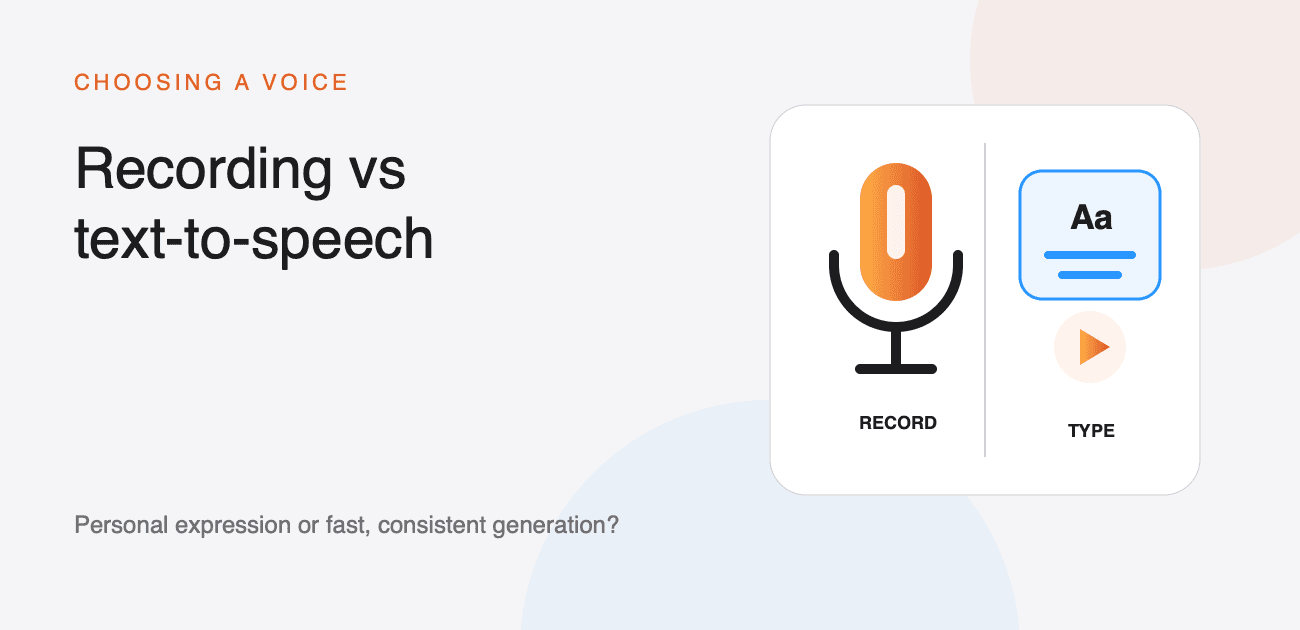
An audio flashcard needs a voice. You can record the side yourself or type text for a synthetic voice to read. The right choice depends on the material, how many cards you need, and whether the exact sound of a human speaker matters.
You do not have to choose one method for the whole library. Audio Flashcards lets different sides of the same card use different sources.
When recording works best
Record your own voice when:
- natural emphasis or emotion carries meaning;
- the material includes unusual names, specialist terminology, or a local pronunciation;
- you are rehearsing a speech, script, or oral answer;
- a teacher or fluent speaker is providing the model; or
- you want the card to sound personal rather than uniform.
Recordings are also useful for sounds that are not speech, such as music intervals or wildlife calls.
The trade-off is time. Each side has to be recorded, checked, and sometimes trimmed. Background noise, distance from the microphone, and inconsistent volume can make a large deck tiring to review.
The card editor can trim a recording or insert and replace part of it without recreating the entire side. Creating Cards covers those editing controls.
When text-to-speech works best
Text-to-speech is efficient when:
- the source material already exists as text;
- you are making many cards from a spreadsheet;
- wording is likely to change;
- you want a consistent pace and volume; or
- searchable text should exist without transcription.
If you edit the wording, regenerate the audio rather than recording it again. Different voices can be assigned to different card sides or languages.
System and Kokoro voices run on the device. Kokoro models need a one-off download and then work offline. Amazon Polly and OpenAI voices use your own provider credentials and require a connection when generating speech. Set Up Text-to-Speech Voices explains the choices and their setup.
Pronunciation is the deciding test
A synthetic voice can be clear and consistent while still saying a name or acronym incorrectly. Listen to every new voice with representative material before using it for a large import.
When one word is wrong, try a phonetic spelling that produces the sound you want. Some providers support SSML for more precise control, while others expect plain text. If the correction makes the written side confusing, record that side instead. Pronunciation & SSML lists the supported approaches.
Search and highlighted words
Text-to-speech sides already know the text they speak and can store word timing when generated. Recordings can gain similar behaviour after speech recognition transcribes them.
Transcription makes your own recordings searchable by the words inside them and can highlight words during review. It is optional, and the original audio remains the source of the card. See Search & Transcription.
Privacy and provider accounts
On-device recording, system voices, and downloaded Kokoro voices do not need a cloud voice provider to generate audio. Cloud voices send the text needed for generation to the provider account you configure, and any provider charges are between you and that provider.
Credentials are stored on the device where you enter them and must be added again on another device. Choose the source that matches the material and your privacy requirements.
A practical mixed workflow
Use text-to-speech for ordinary questions, definitions, and bulk imports. Record the sides where your own delivery, a fluent model, or a non-speech sound adds value. Keep the wording short in both cases and listen before accepting the side.
For a complete first-card walkthrough, see How to make audio flashcards. For a spreadsheet-sized collection, continue with How to turn a CSV into audio flashcards.